Description
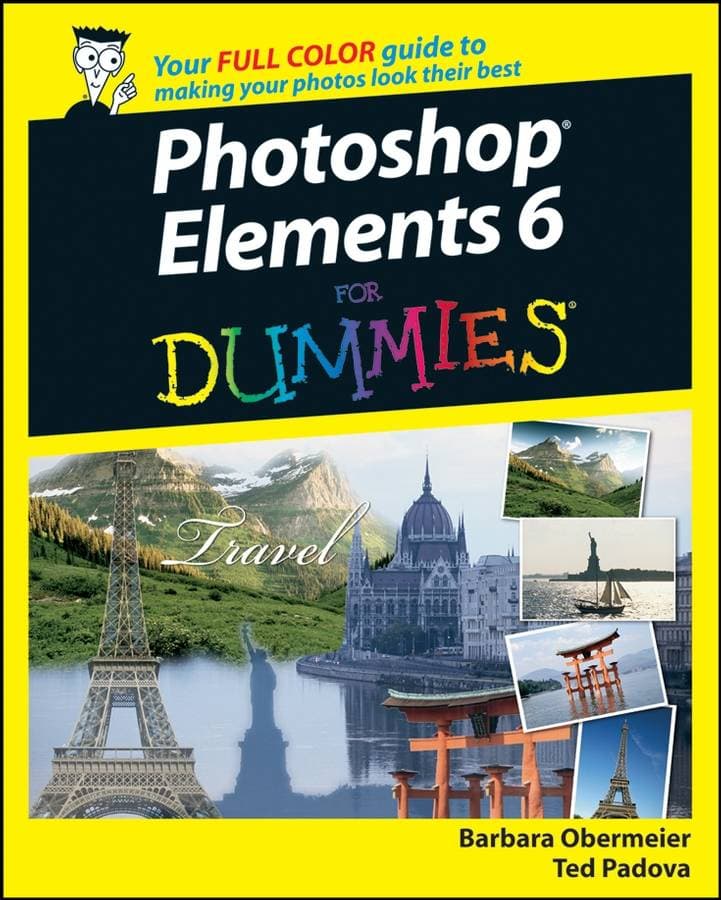
Want to get more fun from your photos? To edit and enhance your pictures, fix flaws, and create greeting cards or cool photo projects to share? What about turning out some really professional prints with simply stunning color? Photoshop Elements can handle it, and Photoshop Elements 6 For Dummies gets you up and running on Elements in a hurry. Photoshop Elements 6 is a reasonably priced, full–featured, powerful image–editing program for Windows (Adobe stopped supporting Elements for Mac with version 4.) This colorful guide helps you make the most of all its coolest features. You′ll quickly get familiar with the work area and all the tools; be able to find, organize, and manage your images; correct common mistakes; and explore fun ways to share your photos. You ll discover how to: Acquire images from your camera or scannerOrganize your files and photos you so can quickly find what you re looking forCrop and straighten pictures, fix exposure, and clean up dust and scratchesCreate sharp and colorful images for printingCorrect color, contrast, and clarityCombine multiple images into creative collagesUse filters to create different effectsTurn your photos into slide shows, movie files, or Web–hosted images Elements has something for everyone, from beginning dabblers to serious photo hobbyists to professionals. With plenty of full–color illustrations that show what you can achieve, this friendly guide will help you use Elements to make the most of your digital photos.Table of ContentIntroduction. Part I: Getting Started. Chapter 1: Getting to Know the Work Area. Chapter 2: Getting Ready to Edit. Chapter 3: Working with Resolutions, Color Modes, and File Formats. Part II: Getting Organized. Chapter 4: Getting Your Images. Chapter 5: Viewing and Finding Your Images. Chapter 6: Organizing and Managing Your Photos. Part III: Selecting and Correcting Photos. Chapter 7: Making and Modifying Selections. Chapter 8: Working with Layers. Chapter 9: Simple Image Makeovers. Chapter 10: Correcting Contrast, Color, and Clarity. Part IV: Exploring Your Inner Artist. Chapter 11: Playing with Filters, Effects, Styles, and More. Chapter 12: Drawing and Painting. Chapter 13: Working with Type. Part V: Printing, Creating, and Sharing. Chapter 14: Getting It on Paper. Chapter 15: Showing It Onscreen. Chapter 16: Making Creations and Sharing. Part VI: The Part of Tens. Chapter 17: Ten Tips for Composing Better Photos. Chapter 18: Ten More Project Ideas. Index.Review Quote"...if you simply want to understand the core features of the software then this may be the book for you." (Business Network, August 2008)Biographical NoteBarbara Obermeier: Barbara Obermeier is the principal of Obermeier Design, a graphic design studio in Ventura, California. She is the author of Photoshop CS3 All–in–One Desk Reference For Dummies (Wiley) and has contributed as author or coauthor on numerous books on Photoshop, Photoshop Elements, Illustrator, and PowerPoint. She is currently a faculty member in the Graphic Design Department at Brooks Institute. Ted Padova: In addition to writing several books on Adobe Photoshop and Adobe Illustrator, Ted is the world s leading author of books on Adobe Acrobat. He is also a co–author of Adobe Acrobat 8 PDF Bible, Adobe Creative Suite Bible, Color Correction For Digital Photographers Only, and Color Management for Digital Photographers For Dummies (all from Wiley). Ted spends most of his time writing and speaking at conferences and expos nationally and internationally.Find out how to get more fun from your photos Edit and enhance your pictures, fix flaws, create greeting cards or photo books, and more Photoshop Elements is a full–featured, powerful image–editing program, and this colorful guide helps you make the most of all its coolest features. You′ll quickly get familiar with the work area; be able to find, organize, and manage your images; correct common mistakes; and explore fun ways to share your photos. Discover how to: Acquire images from your camera or scanner Organize and find photos fast Crop and straighten pictures Create sharp and colorful images for printing Correct color, contrast, and clarity Combine multiple images into creative collages